Is Don't Miss Birthdays really a free birthday reminder?
Yes. The app is completely free to download and use, with no subscription, no paywalled features, and no time limit. Ads are shown occasionally to support development. You can disable personalized ads via the consent screen at first launch.
Does the birthday reminder work offline?
Yes. The entire app works offline. Birthday reminders, the age calculator, birthday countdown, statistics, calendar, and notifications all work without internet. iCloud sync uses your private iCloud only when you're online.
What's the difference between birthday, marriage, and special event?
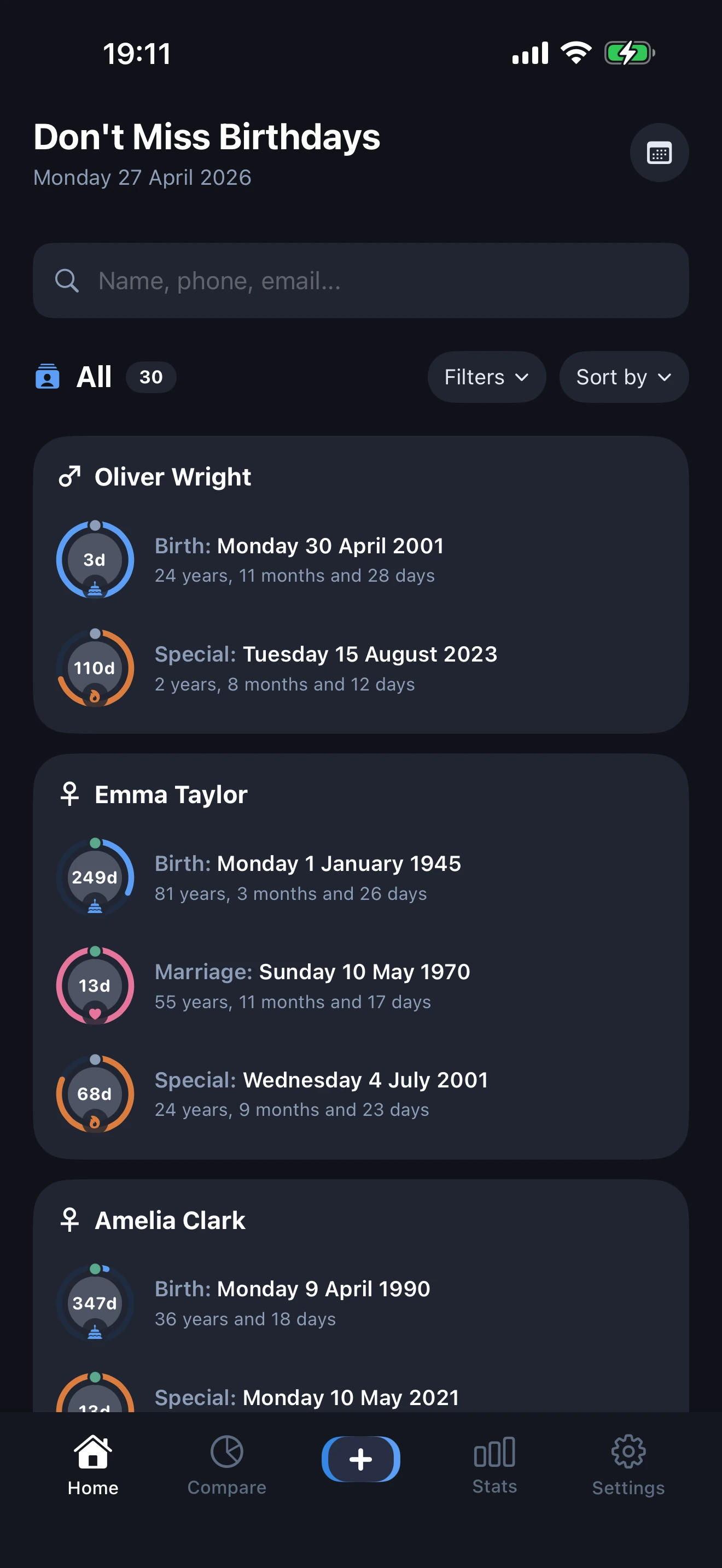
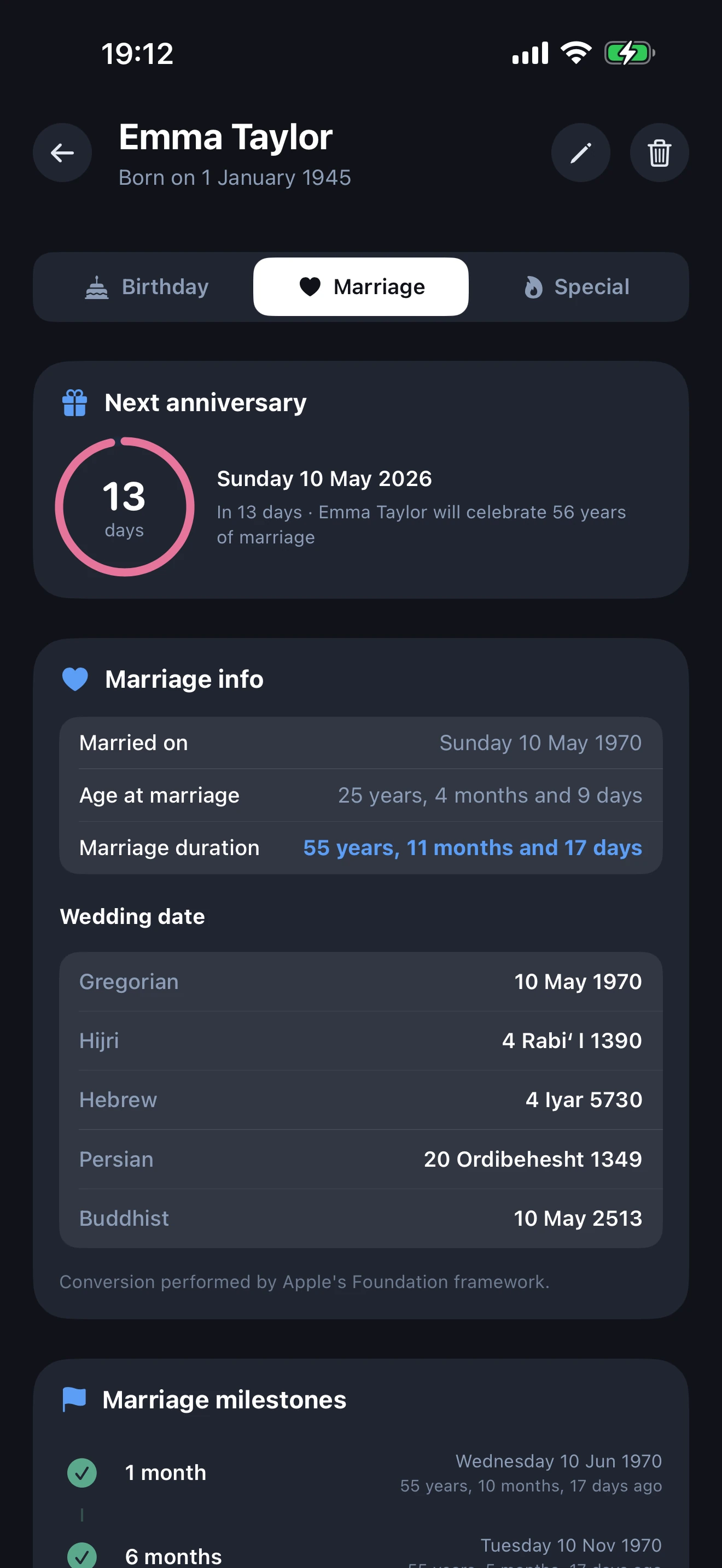
Each profile can have up to three dates. Birthday is the day someone was born. Marriage anniversary tracks the wedding date and counts years married. Special event is for any other meaningful date you want to remember, such as a move, a first job, the day you met someone, a memorial, or an adoption day. Each event has its own ring color (blue, pink, orange), its own alert, and its own dedicated detail tab.
Does the app include an age calculator?
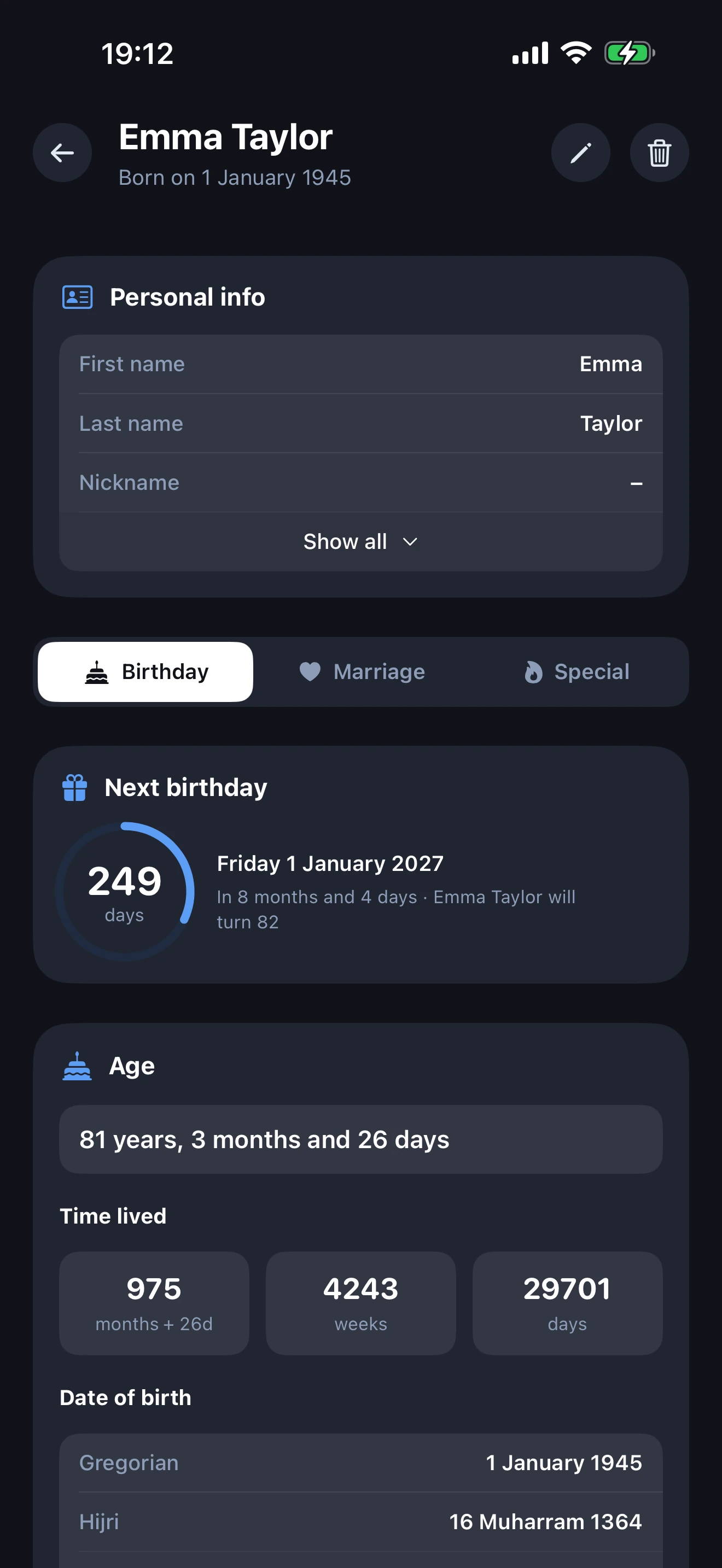
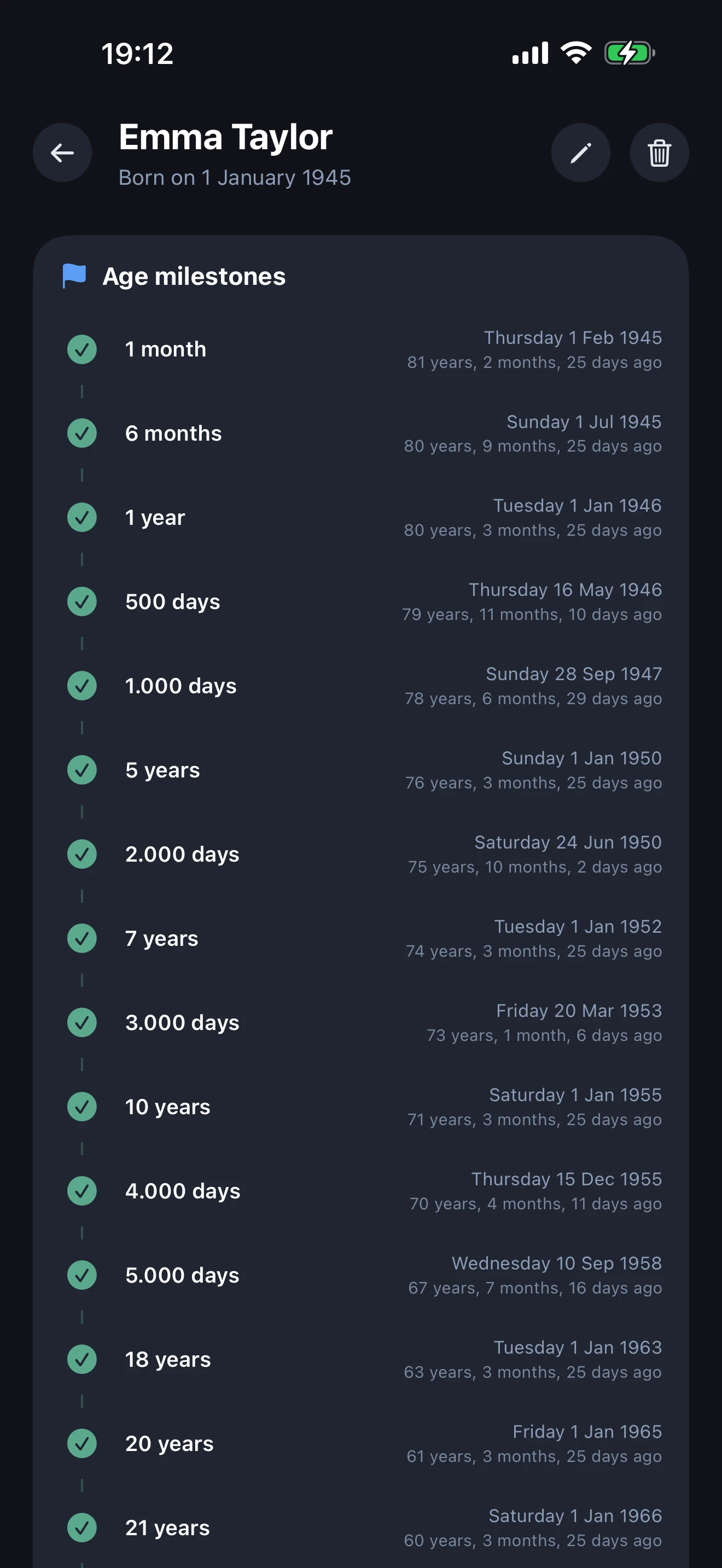
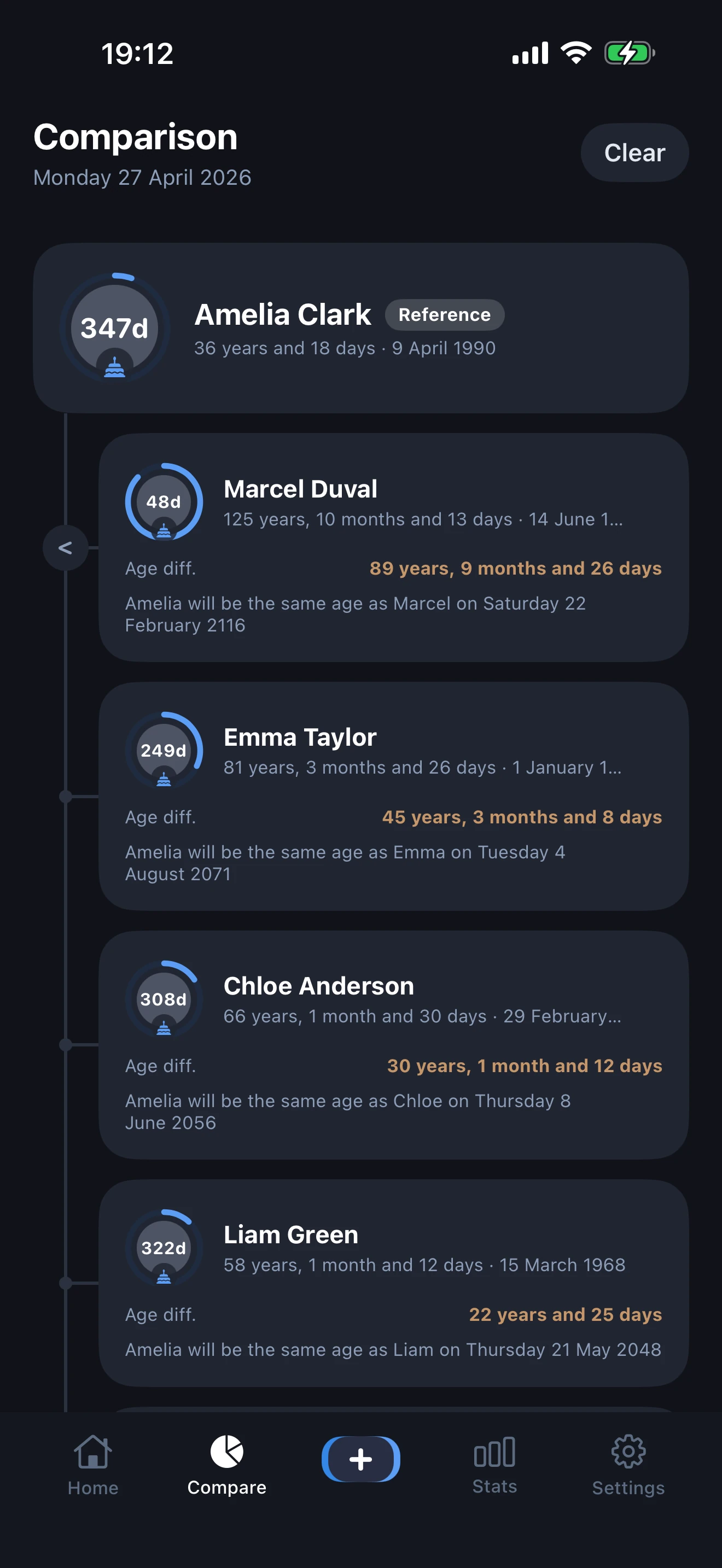
Yes. The built-in age calculator shows the exact age of every person in years, months, and days, plus how many days, weeks, and months they have lived. The age comparison feature also lets you place several people side by side on an interactive timeline.
Is there a birthday countdown?
Yes. Every profile shows a live birthday countdown ring with the exact number of days until the next birthday, anniversary, or special event. The home screen widget displays the countdown without opening the app.
Does it support the Hijri (Islamic) calendar?
Yes. Five calendar systems are supported: Gregorian, Hijri (Islamic), Hebrew, Persian (Solar Hijri), and Buddhist. Every birthday, marriage, and special event is shown in all five systems on the profile detail page.
How does iCloud sync work?
iCloud sync is built in and uses your private iCloud database. Apple cannot read your data, neither can we. Sync happens automatically when you're connected to the internet and signed into the same Apple ID across iPhone and iPad. You can disable iCloud sync entirely in Settings to keep the app fully offline.
Can I add someone born on February 29?
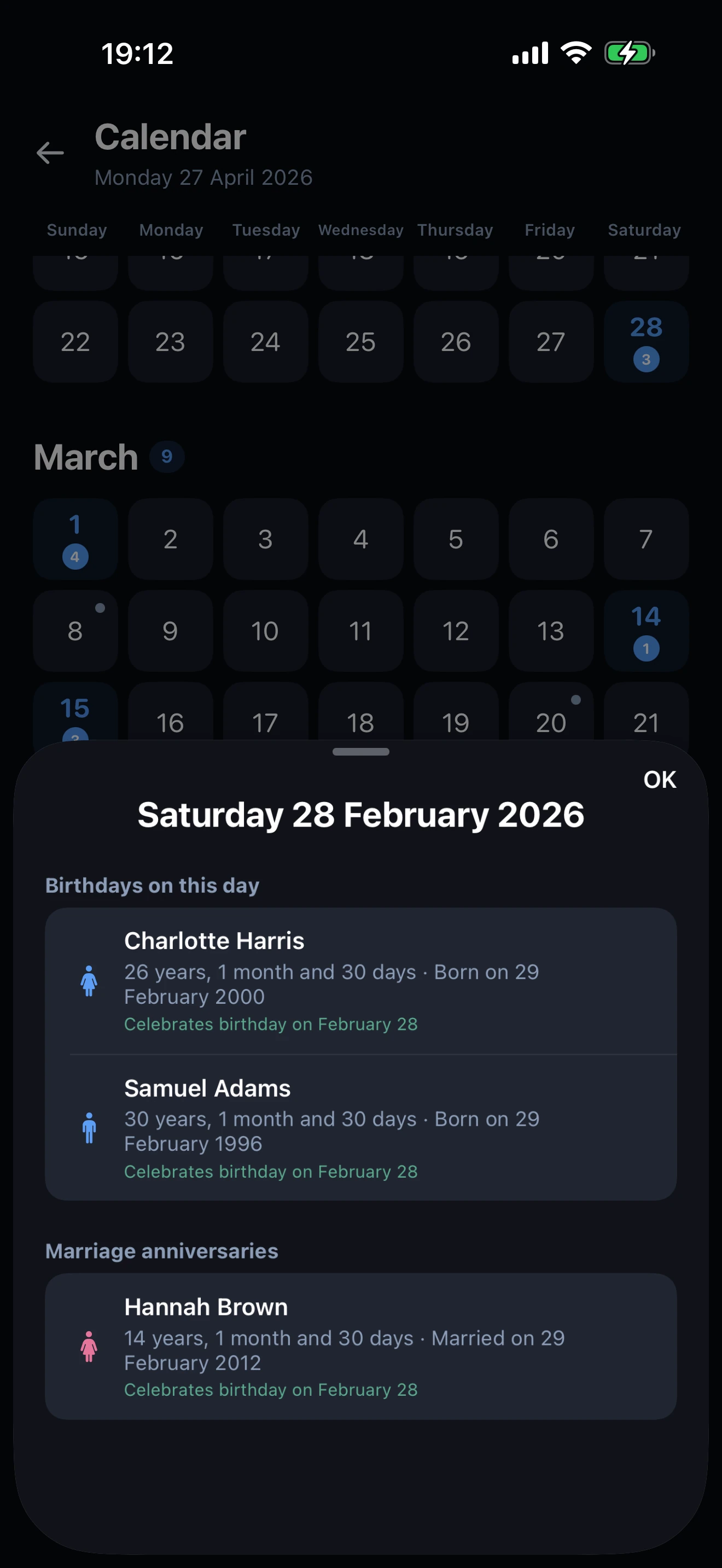
Yes. When you save such a profile, the app asks you to choose between February 28 or March 1 for non-leap years. The same option exists for marriage and special event dates that fall on February 29.
What happens if more than 64 people share notification dates?
iOS limits each app to 64 simultaneously scheduled notifications. The app intelligently groups people sharing the same date and alert type into a single grouped notification (title shows the count, body lists the names), so you never miss anyone, even with hundreds of profiles.
Can I lock the birthday app with a PIN?
Yes. Open Settings → App Lock and choose a 4-digit PIN. The app refuses to open without the code. The PIN is hashed with a per-device random salt and is stored only on your device. It never syncs to iCloud.
Will my contacts be uploaded somewhere?
No. The app does not access your contacts and does not upload anything. Profiles are entered manually by you, stored on your device, and (optionally) replicated through your own private iCloud. The app sends zero personal data to its servers.
What languages does the app support?
14 languages: English, French, Arabic (full RTL), Spanish, Portuguese, German, Italian, Turkish, Indonesian, Dutch, Russian, Polish, Japanese, Korean. The interface adapts automatically to your iPhone's language setting.
Are there home screen widgets?
Yes, two sizes. The Small widget shows a birthday countdown to the next event with a date header. The Medium widget displays a monthly mini-calendar where each day is colored by event type (blue for birthdays, pink for marriages, orange for special events, purple for mixed days), plus the next upcoming event preview. Both refresh automatically every midnight.
How many profiles can I add?
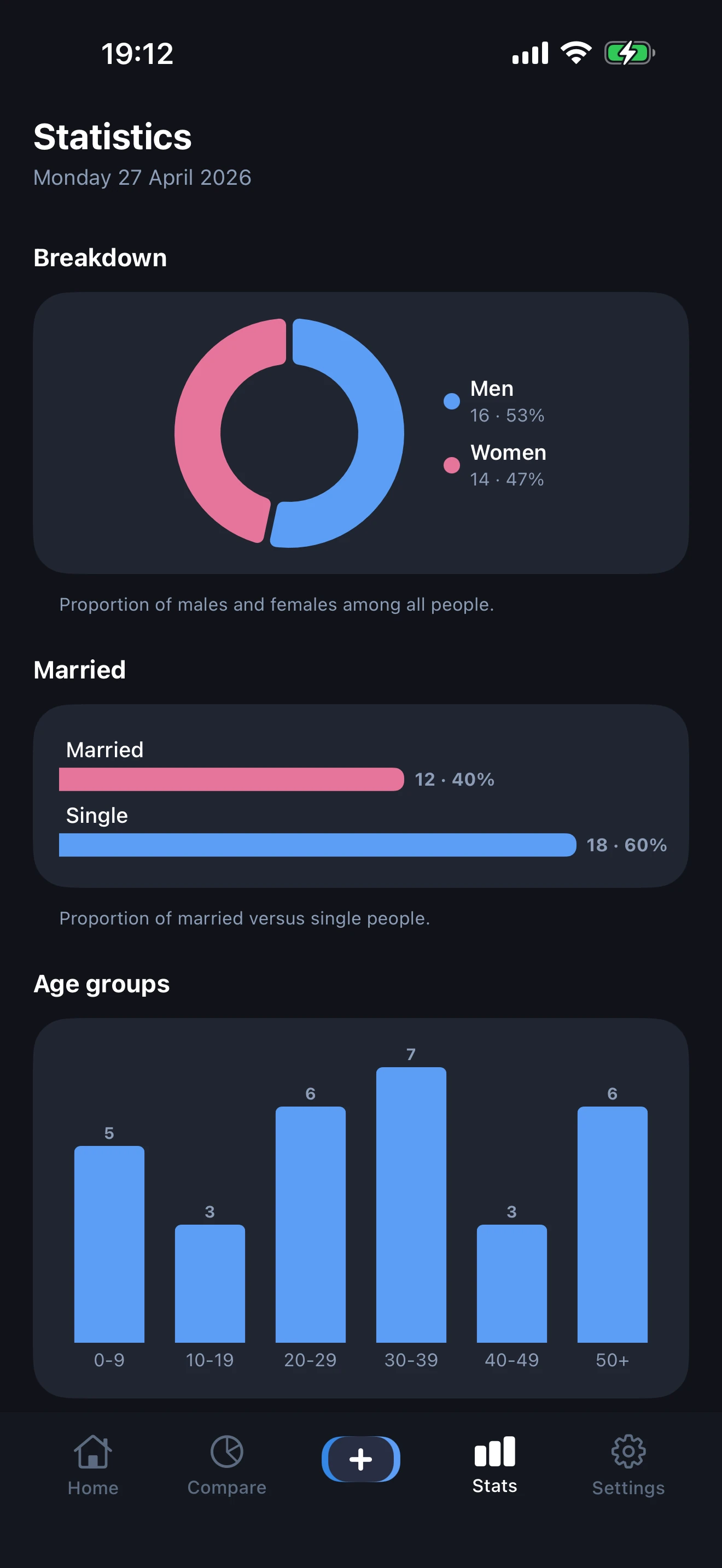
Up to 512 profiles per device. Most users have 20-50, the limit is generous to handle large families and friend networks.
What if I switch phones?
If iCloud sync was enabled on the old phone, simply install the app on the new phone, sign into the same Apple ID, and your profiles will appear automatically. Alternatively, use the JSON export to back up and the JSON import to restore. This method works completely offline.
Does Don't Miss Birthdays support death anniversaries?
Yes. Each profile can include an optional death date. When set, DMB displays the person in a dedicated In Memoriam card with age at death, time since passing, and a yearly death anniversary reminder so you can commemorate them respectfully.